
Built for MSPs running an AWS practice
Every other page about cloud managed services is written for the company buying them. This one is written for the company delivering them.
If you run an AWS managed-services practice, your constraint is not demand. It is that every new customer account needs experienced hands, and experienced AWS engineers are scarce, expensive, and routinely hired away by the global capability centres staffing up in the same cities you recruit in. Your margin is a function of accounts per engineer, and for most practices that number has barely moved in years.
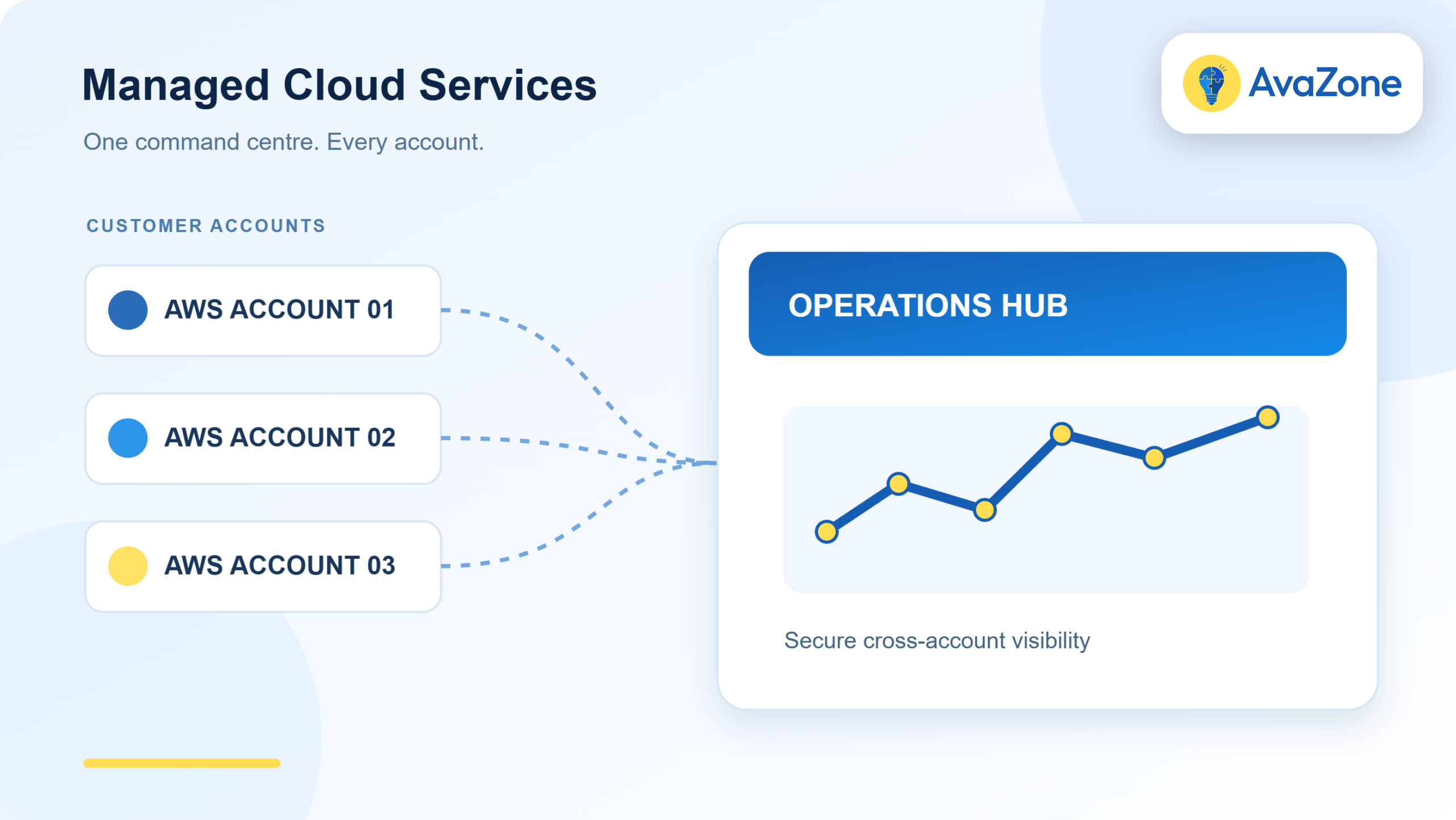
CloudOpsGPT is a workspace built to raise it. One workspace, every customer AWS account you manage, and a plan-and-approve step on every change — so a mid-level engineer can safely carry work that previously sat in a senior engineer’s queue.
What the platform actually does
Seven categories of AWS work, across every account connected to the workspace:
| Capability | What that means on a customer account |
|---|---|
| Provision | Stand up and tear down resources from a described outcome rather than a console session |
| Investigate | Assemble context across services and accounts when something looks wrong |
| Troubleshoot | Work a fault through to a proposed fix, with the reasoning attached |
| Optimize | Find and act on cost and performance waste, not just report it |
| Secure | Work posture findings down to resolved rather than acknowledged |
| Migrate | Move workloads with the operational state carried across |
| Automate | Turn the tasks you repeat weekly into runbooks that execute |
The people who use it are the ones already doing this work: DevOps, platform, infrastructure, networking, security and CloudOps engineers. Nothing here replaces a practice. It changes how many accounts one can hold.
What it costs per managed account
Worth stating plainly, because almost nobody in this category publishes a number. Pricing scales with the AWS accounts you manage, and platform access is included on every plan.
| Plan | Monthly | AWS accounts | Works out at |
|---|---|---|---|
| Free trial | $0 for 7 days | Up to 2 | — |
| Starter | $399 | Up to 5 | ~$80 per account |
| Pro | $1,499 | Up to 25 | ~$60 per account |
| Business | $1,999 | Up to 50 | ~$40 per account |
| Enterprise | Custom | Custom | — |
Per-account figures are the plan price divided by its account ceiling. Your real number depends on how many of those slots you fill.
Set that against your own arithmetic rather than ours. Take what a loaded engineer-hour costs your practice, multiply by the hours a managed account consumes in a typical month, and compare. If the answer is close, the platform is not the right purchase yet. If it is not close — and for most practices running more than ten accounts it is not — the gap is your margin.
Where the control sits
The first question any MSP asks, because it is the question their own customers will ask them: does a third party get keys to our accounts?
No. The Runtime deploys into the AWS environment and performs operations there through IAM roles that are connected and can be revoked. No AWS access keys are handed over. The control plane handles portal login, workspace entitlement, activation and connectivity metadata — and nothing else.
Every change follows the same sequence: Ask → Plan → Approve → Execute → Audit. The plan is itemised and visible before anything runs, execution waits for a human approval, and every action lands in an audit log with its approver. That is what makes it safe to put in front of a mid-level engineer, and it is what you show a customer who asks how their account is being operated.
Onboarding your existing accounts
- Create your workspace. Start the 7-day trial, verify your email, sign in.
- Deploy the Runtime. Deployment instructions live inside the workspace once you are signed in.
- Connect the accounts. Add the customer AWS accounts you want to operate against, with the roles you choose.
The trial clock starts when your Runtime registers and connects, not when you sign up — so the evaluation time is spent evaluating rather than scheduling. Start with two accounts you know well. The useful test is not whether it works; it is whether the plan it produces on an account you understand matches what you would have done yourself.
Frequently asked questions about cloud managed services
What are cloud managed services?
Cloud managed services means outsourcing the day-to-day operation of cloud infrastructure — monitoring, patching, incident response, security posture, backup and cost control — to a provider or a platform. The customer keeps ownership of the architecture and the spend; the provider keeps it running.
What is the difference between a cloud MSP and a cloud managed services platform?
A cloud MSP is a company that operates your infrastructure using its own people. A platform is the tooling an MSP or an in-house team uses to do that work. They are not alternatives — most MSPs buy platforms, because the platform is what decides how many accounts each engineer can carry.
Does CloudOpsGPT need our AWS access keys?
No. The Runtime deploys into your own AWS account and operates there through IAM roles you connect and can revoke. No access keys are handed over. The control plane only handles portal login, workspace entitlement, activation and Runtime connectivity metadata.
Can we manage multiple customer AWS accounts from one workspace?
Yes — that is the design. One workspace holds the customer AWS accounts you manage, and plans scale by the number of accounts rather than by seats. Permissions in each account follow the IAM roles connected for that account.
Who approves changes before they run?
A person does. Every operation produces an itemised plan first, and nothing executes until someone approves it. The approval step is a gate, not a configurable setting, and each action is recorded with its approver in an audit log.
How long does it take to onboard existing AWS accounts?
Workspace creation and Runtime deployment are the same day. Connecting accounts takes as long as your own change process for granting an IAM role. Most practices start with two accounts on the free trial before connecting the rest.
Where to go from here
Three places to go next, depending on what you are weighing up:
Connect two AWS accounts and see the first plan
Free for 7 days, up to two AWS accounts. The Runtime deploys into your own environment through IAM roles you control. No access keys change hands.
No credit card required. Your trial clock starts when the Runtime connects.